Displacecraft Pro
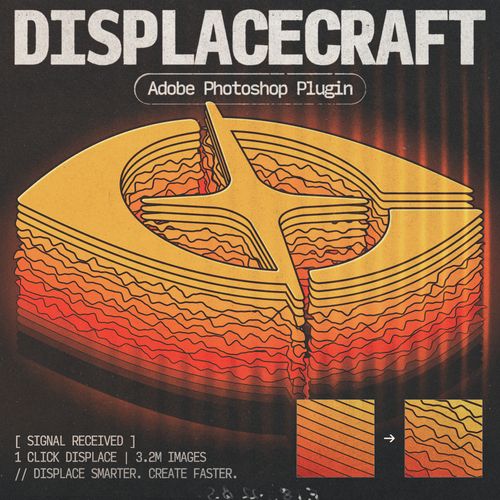
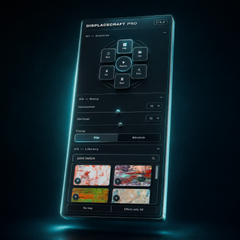
Generate usable displacement maps from any image in one click, with a built-in image library.
One-click map creation
Generate usable displacement maps from any image instantly.
Built-in image library
Browse textures without leaving Photoshop.
Save your own presets
Recall favorite settings with one click.
- Instant digital download
- Perpetual license — 1 user, up to 2 devices
- License key delivered by email
- Lifetime updates
- Email support included
- Version
- 1.0.0
- Works with
- PS 2022+
- License
- Perpetual
Overview
About Displacecraft Pro
Displacecraft Pro (Special Launch Price Ends Soon)
Stop hunting for maps. Stop saving folders of textures. Displacecraft Pro puts a massive photo/texture library inside Photoshop and turns displacement into a fast creative tool — not a chore.
Powered by Photoshop’s native Displace filter, Pro is built for speed: pick a map, dial warp, hit Apply. Add Melt for that gritty, thresholded edge look. Save presets. Star favorites. Upload your own maps. One panel. One click. Done.
What’s inside
- Built-in gallery with millions of high-quality photos & textures (Pexels)
- One-click Displace with live warp controls (horizontal, vertical, tiling)
- Melt effects: noise → blur → threshold for organic, high-contrast texture
- Favorites, uploads, and saveable presets
- Clean Pro panel designed for real production work
Current version: 1.0.0
Compatibility: Photoshop 2022 and newer (UXP)
Please note: Plugins are not guaranteed on every Photoshop build. If something acts up, test on a nearby version — and reach out if you need help.
Bundle & save
Maximum Productivity
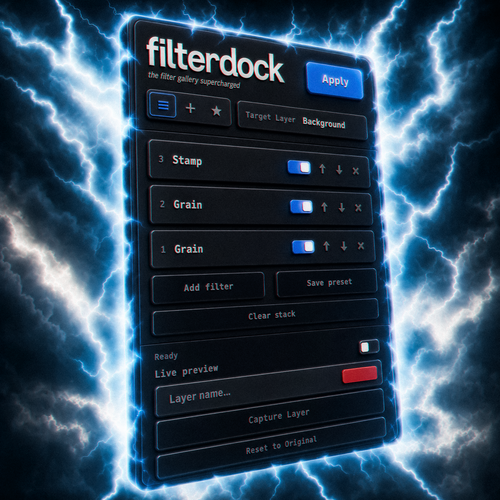
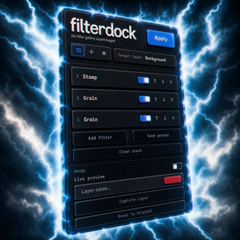
Displacecraft Pro and Filter Dock — the full distortion workflow.
Watch it in action
Displacecraft Pro tutorial
1 user, up to 2 devices · key delivered by email · email support included
Questions
Frequently asked questions
Which Photoshop versions are supported?
Displacecraft Pro works with Photoshop 2022 (PS 2022) and newer.
What do I get when I buy?
You get an instant download link and your license key by email. Your license is perpetual for 1 user on up to 2 devices, includes email support, and covers lifetime updates.
How do I install it?
Every plugin arrives as a .ccx file. Double-click it and the Creative Cloud desktop app installs it into Photoshop. Full steps are on our Support page under Install.
Do your plugins work with Affinity?
Not at this time — our plugins are built exclusively for Adobe Photoshop.
Can I share my license key with someone else?
License keys are tied to individual purchases and are not transferable. Sharing or redistributing license keys is not permitted under our license agreement.
Still have questions? Contact support