Photoshop plugin · Mac + Windows
ASTRAL - Print Simulation Plugin — Print Simulator
Authentic print looks, live on your canvas — then separate into real ink layers.
Project any layer into a halftone, engraving, CRT or cracked-plastisol print in about a second, at full resolution. Tweak it live, then finish it as a smart object or separate it into screen-printable inks.
One-time purchase · no subscription · free v1 updates
Secure checkout · download link & license key by email, instantly
- 19built-in Sims
- 13screen patterns + your own
- 7paper & fabric surfaces
- ~1 sfull-res render





The Sims
One artwork. Every print look.
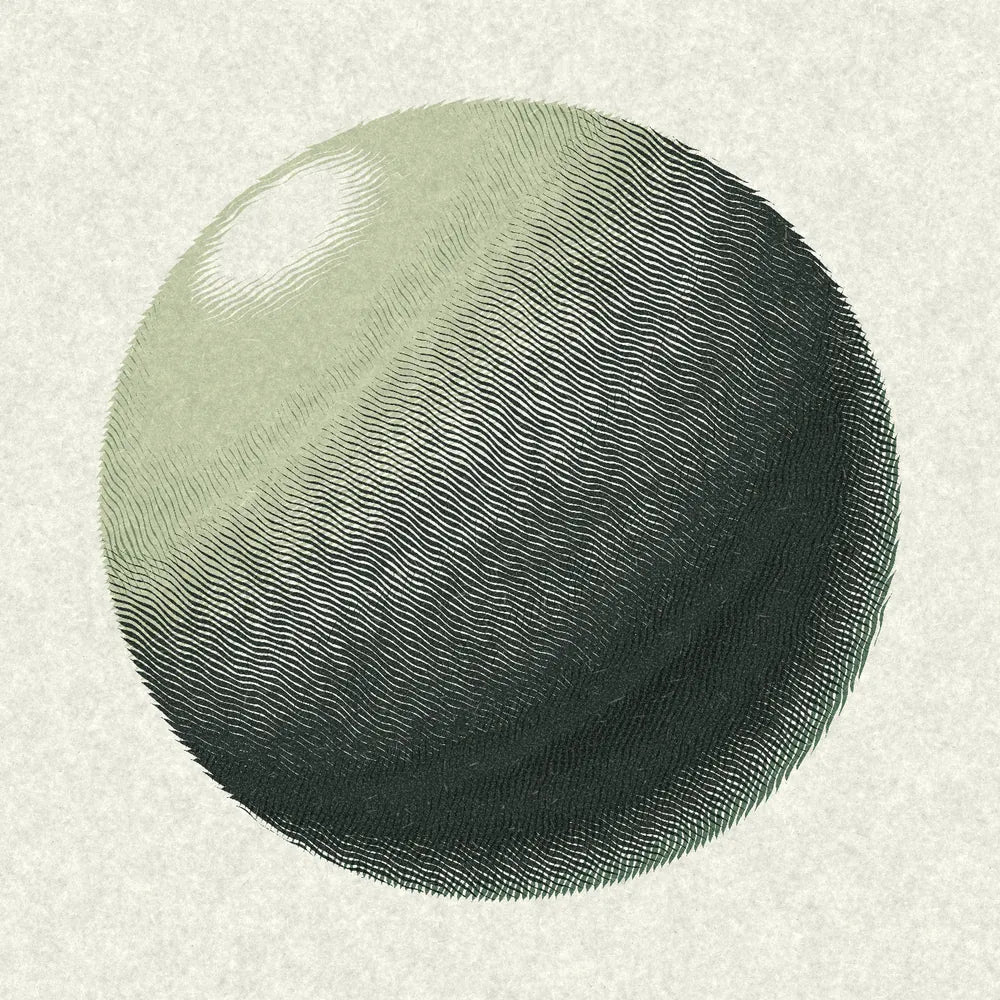
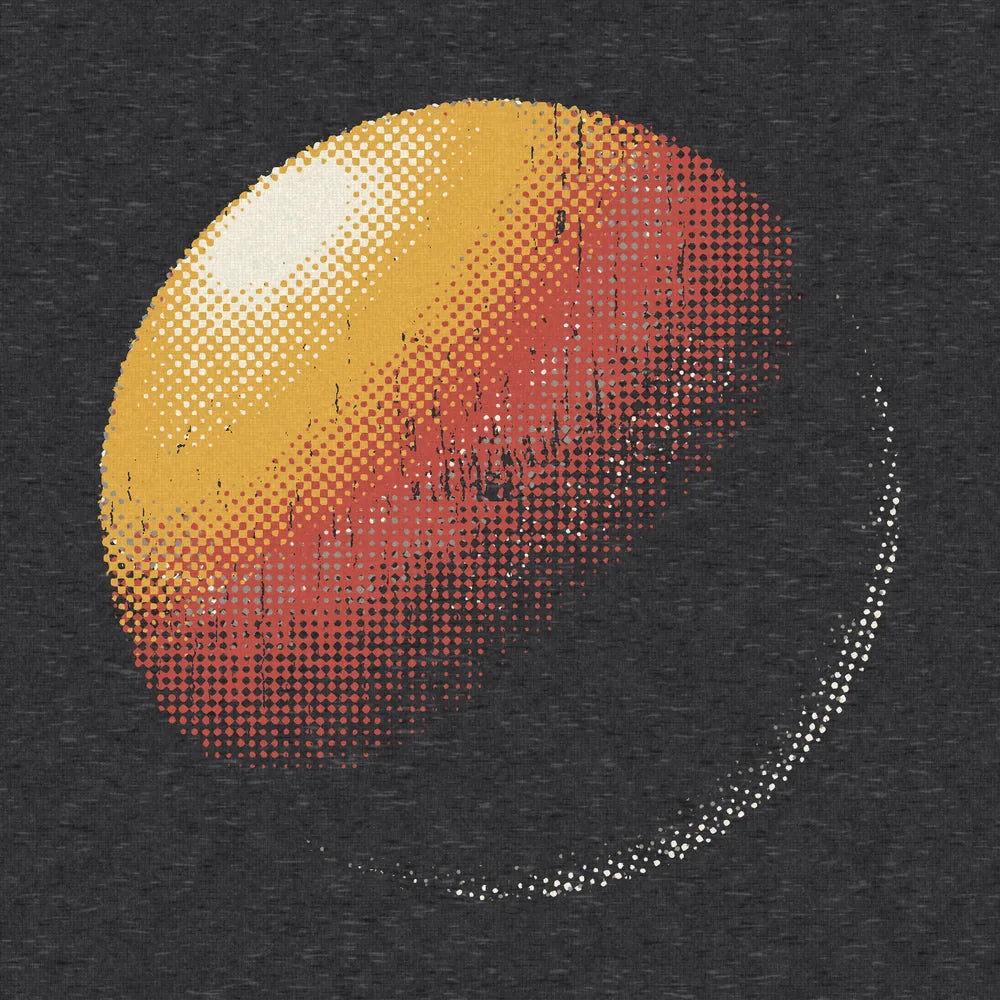
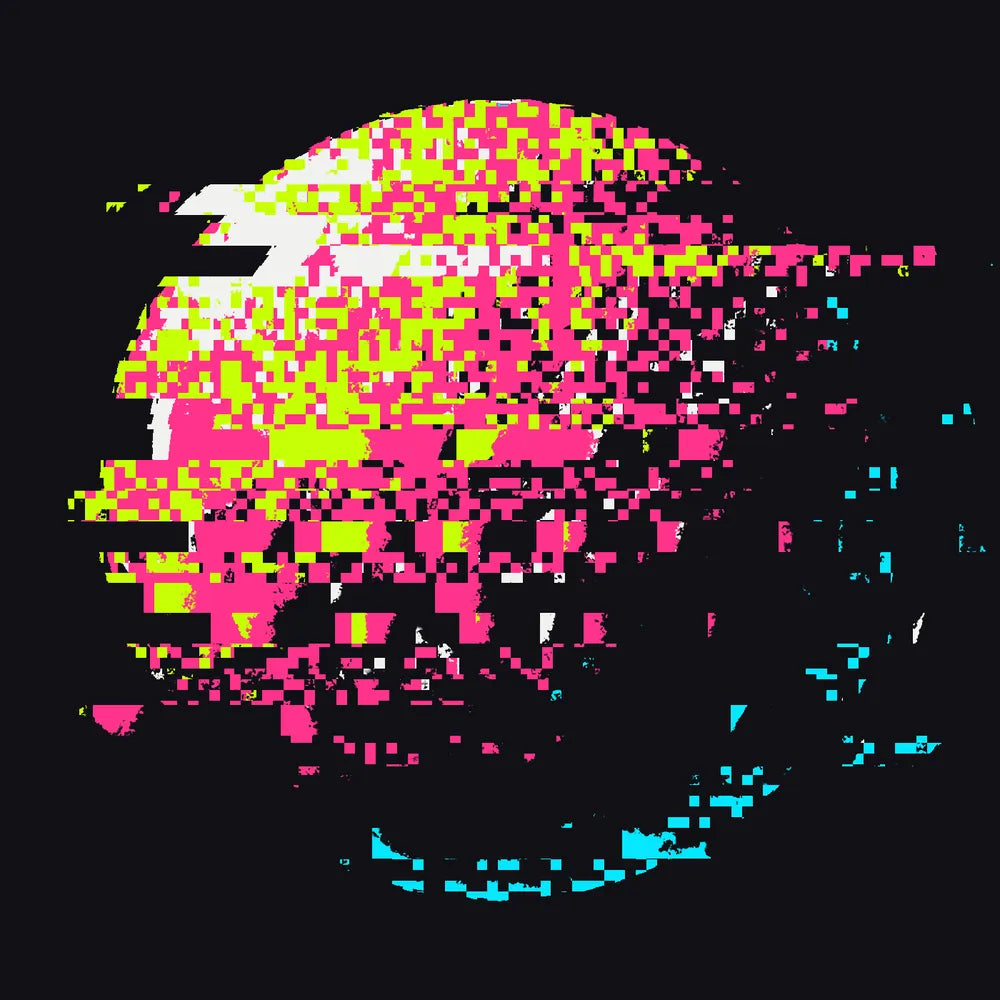
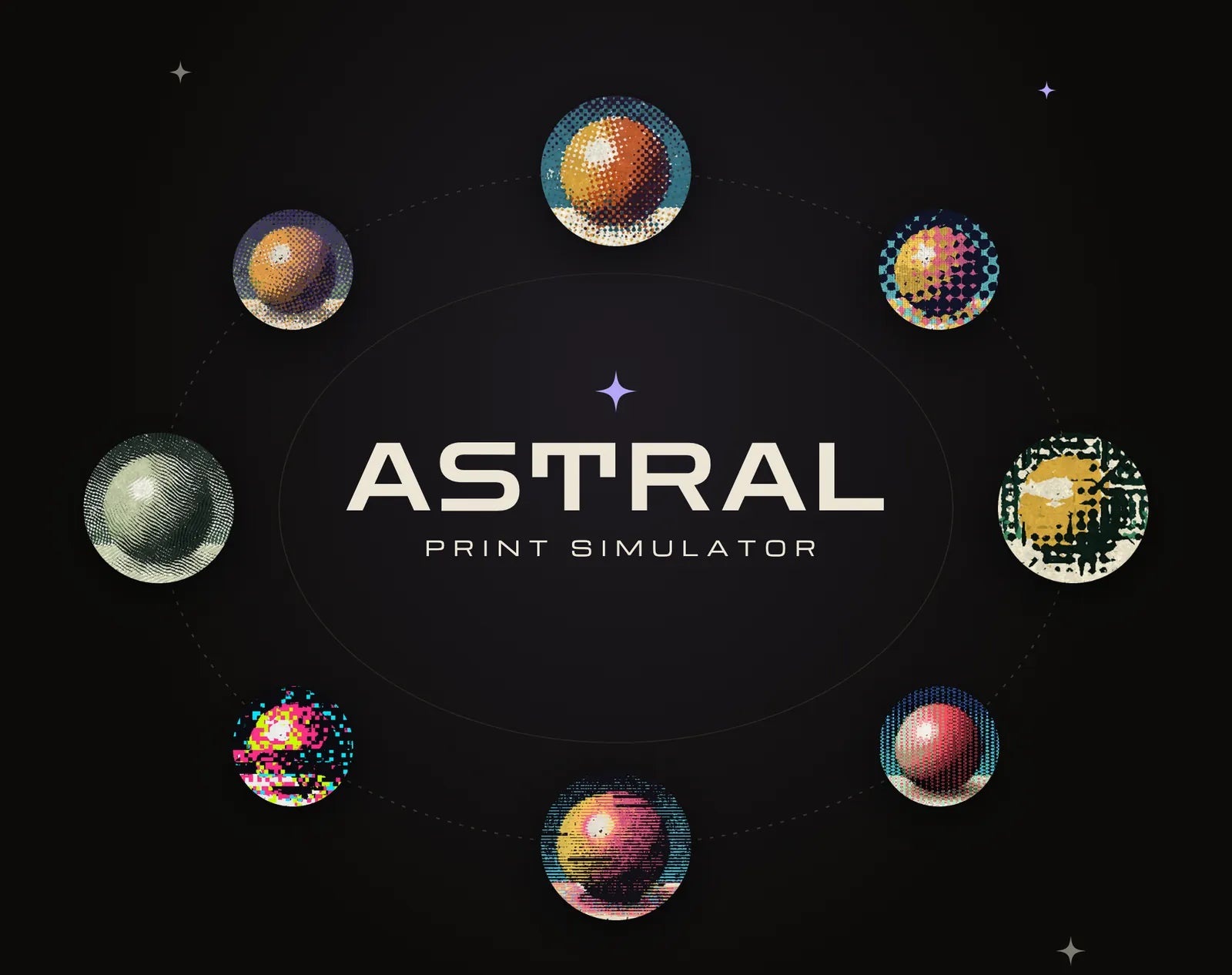
Each Sim is a complete print recipe — paper, four inks, pattern, surface and wear. Pick one and drag the slider: every print here was rendered by ASTRAL from the same artwork, adapted to its white background automatically.
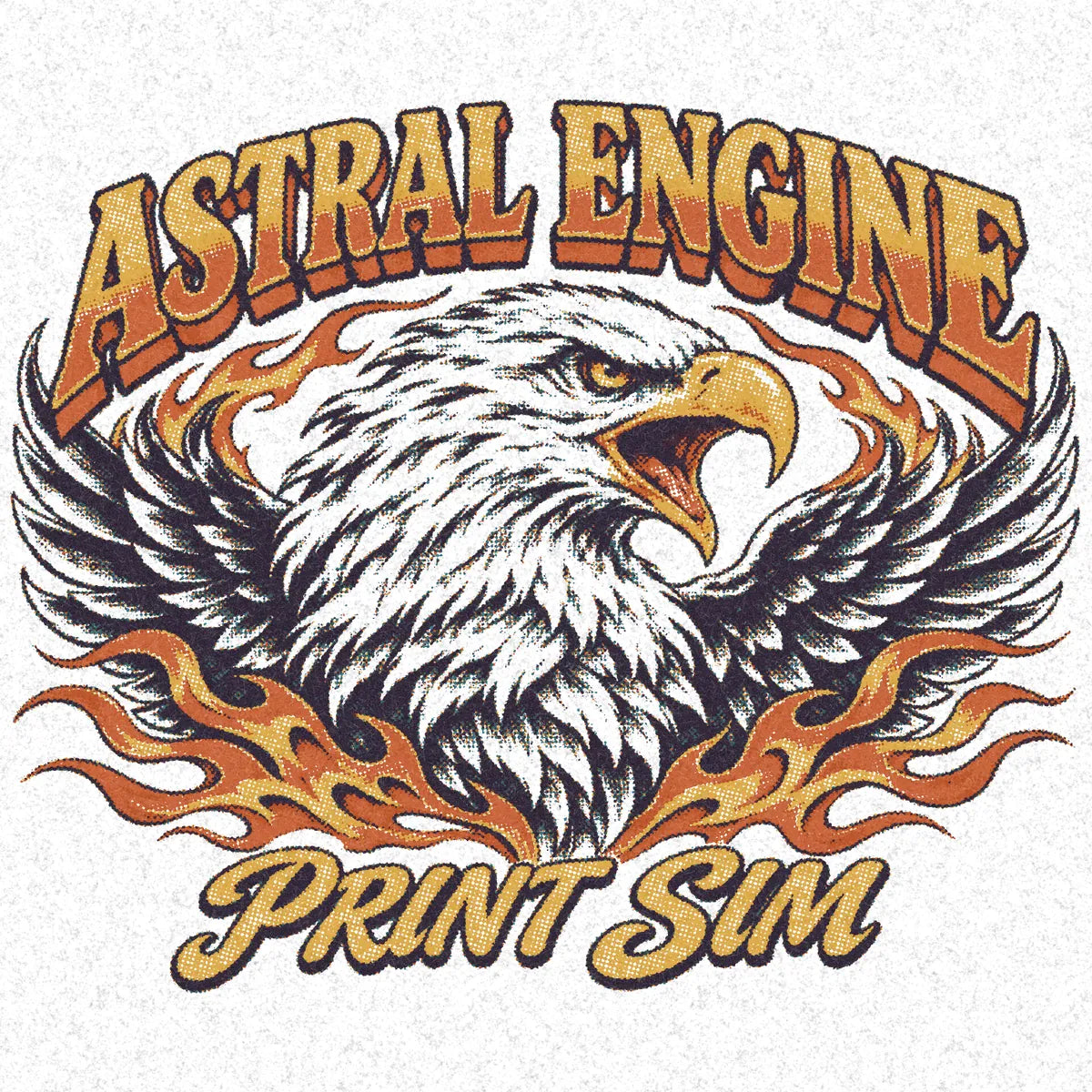

Untouched ASTRAL renders at default settings. Every Sim is fully editable: change any ink, pattern or surface and save it as your own preset.
How it works
Project. Tweak. Finish — or Separate.
ASTRAL lives in a Photoshop panel and works on the layer you have selected. No exporting, no round-trips to another app.
-
Project
Select a layer and press Project. ASTRAL renders the print simulation right on your canvas in about a second, at full resolution — your original stays untouched underneath.
~1 s · full resolution -
Tweak
Switch Sims, swap the pattern or surface, recolour any ink, dial in tone, fade, grit and plastisol cracking. The canvas updates live as you go.
Live on canvas -
Finish — or Separate
Finish as a smart object for mockups and social posts, or Separate into real, screen-printable ink layers. Changed your mind? One click Returns you to the original.
Smart object · ink layers
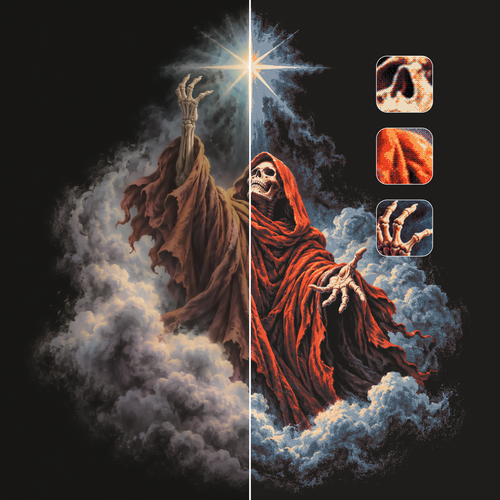
Same artwork, two Sims
Drag the handle: Harbor's vintage dots on kraft against Night Shirt's four bright inks on a dark tee — one source, two finished looks.

Separate into real ink layers
When the look is right, Separate builds real ink layers in your document — a paper layer plus four inks with soft masks — ready for film output. Plastisol cracks cut into the films too.
- Paper + 4 inks
- Soft masks
- Editable colours
- Return anytime
Inside the panel
Every control a print shop would give you
Patterns, surfaces, wear and tone — each one dialled in live on your canvas, and every setting carries through to the separations.
-
13 patterns + custom
Screen patterns no other print tool has
Classic halftone dots next to banknote engraving, topographic contours, circuit traces, CRT phosphor, VHS and glitch. Every pattern renders crisp at full resolution.
- Dots
- Twinkle
- Engrave
- Contour
- Rings
- Scanline
- Dash
- Bayer
- Circuit
- CRT
- VHS
- Glitch
- Thrash
- Your own
-
7 surfaces
Print that sits into the stock
Choose the paper or fabric and the ink settles into its texture instead of floating on top.
- Fine paper
- Newsprint
- Kraft
- Cotton
- Canvas
- Grunge
- Tee
-
For screen printers
Separations you can actually print
Separate the look into real ink layers — a paper layer plus four inks with soft masks, stacked and ready to output as films. No re-building the look by hand.
- Paper + 4 inks
- Soft masks
- Editable ink colours
- Cracks cut into films
-
Plastisol
Cracking that looks washed-in
Set the crack amount and size for that worn, fifty-washes print — and the cracks cut into your separated films too.
-
Tone
Real tone control
A Levels graph with shadows and highlights, plus Fade (a curves black lift), Grit, Specks and Overprint for authentic misregistration and wear.
-
Dark garments
Underbase & Knockout
Underbase keeps colours bright on dark shirts. Knockout removes the artwork's background so the shirt shows through.
-
Custom patterns
Bring your own screens
Import PNG or JPG tiles, or Photoshop .pat files — up to 10 custom patterns — and use them exactly like the built-ins.
-
Inks & presets
Every ink, your colours
Edit each ink with a compact colour picker, then save the whole look as your own preset to reuse across jobs.
-
Non-destructive
Live on canvas, one-click Return
The simulation sits on top of your art with the original kept underneath. Return removes it in one click — nothing is flattened behind your back.
-
Native engine
About a second, full resolution
A native rendering engine does the heavy lifting, so even large artwork renders in roughly a second — no low-res previews.
Who it's for
Built for people who ship print
Whether the art ends up on a tee, a poster or a product page, ASTRAL makes it look printed — and gets it ready to print.
-
Apparel designers
Show clients what the print will really look like on the shirt — dots, cracks, heather and all — before anything is burned or printed.
Use it forMockups, client approvals, drops
-
Screen printers
Go from look to films without rebuilding it by hand: paper plus four ink layers with soft masks, ready to output.
Use it forSeparations, films, proofs
-
Illustrators
Give digital work the texture of real print — risograph-style grain, engraving, newsprint and more — while keeping your original intact.
Use it forPosters, prints, editorial art
-
Merch brands
Build a consistent, authentic print look across a whole line, save it as a preset and apply it to every design in seconds.
Use it forCollections, product shots, socials
Specs & compatibility
Mission specs
Everything you need before you buy. ASTRAL runs inside Photoshop as a panel and renders on your own computer.
- Price
- $59.00 launch price · regular
$72.00 - Version
- 1.0.0
- Works with
- Adobe Photoshop 2025 or later
- Platforms
- macOS and Windows
- License
- Perpetual · 3 computers per license
- Payment
- One-time purchase · no subscription
- Updates
- Free v1 updates
- Delivery
- Instant license key and download link by email
- Support
- Email support included
Questions
Frequently asked questions
Which Photoshop versions does ASTRAL work with?
ASTRAL works with Adobe Photoshop 2025 or later, on both macOS and Windows.
What do I get when I buy?
Right after checkout you get a download link and your license key by email. The license is a one-time purchase (no subscription), works on up to 3 computers, and includes free v1 updates and email support.
How do I install it?
Download ASTRAL from the link in your email and double-click the installer file — the Creative Cloud desktop app installs it into Photoshop. Then open it from Photoshop's Plugins menu. Step-by-step instructions are on our Support page.
How does activation work, and how many computers can I use?
Open the ASTRAL panel, paste the license key from your email and activate. One license covers up to 3 computers, Mac or Windows in any mix. Replacing a computer? Contact support and we'll help you move your activation.
Can I actually print the separations?
Yes. Separate turns the look into real ink layers — a paper layer plus four inks with soft masks — that you can output as films like any other separation. Every shop's mesh, ink and press differ, so we always recommend a proof with your printer before a full run.
Can I use my own patterns?
Yes. Import PNG or JPG tiles, or Photoshop .pat pattern files — up to 10 custom patterns — and use them just like the built-in screens. You can also save any look as your own preset.
Does ASTRAL change my original artwork?
No. The simulation is placed on your canvas with the original kept underneath, and Return removes it in one click. When you're happy, finish it as a smart object or separate it into ink layers.
What is your refund policy?
Because ASTRAL is a digital download delivered instantly, refunds follow the store's refund policy, linked in the footer of every page. If something isn't working, contact support first — we're happy to help you get set up.
Can I share my license key with someone else?
License keys are tied to individual purchases and are not transferable. Sharing or redistributing license keys is not permitted under our license agreement.
Still have questions? Contact support
Ready for launch
Make every design look printed.
Authentic print looks, live on your canvas — then separate into real ink layers. One purchase, free v1 updates.
One-time purchase · no subscription
Secure checkout · download link & license key by email, instantly
- Mac + Windows
- Photoshop 2025 or later
- 3 computers per license
- Instant license key by email