Chromelab
A powerful chrome engine for Photoshop — start with 50 built-in looks and customize every detail.
50 built-in looks
Obsession, Slasher, Legend, Magma and more — one click each.
Stays fully editable
Apply to live type and keep editing afterwards.
Shape every detail
Bevel, melt, glow, noise and light controls in one panel.
One plugin, endless finishes
Stop buying limited style packs.
- Instant digital download
- Perpetual license — 1 user, up to 2 devices
- License key delivered by email
- Lifetime updates
- Email support included
- Version
- 1.0.0
- Works with
- PS 2023
- License
- Perpetual
Overview
About Chromelab
Chromelab is a powerful chrome engine for Photoshop. 1 plugin with unlimited possibilities. Stop purchasing style packs that are limited.
What you get: 50 chrome, metal and print looks that apply to live type in one click — and stay editable after.
Pick a look, tune it, hit Apply. ChromeLab builds a layered group in your document: the bevel and gradient map on a smart object, bloom and halation as smart filters, grain on its own layer. Your original layer is left untouched underneath, and the text stays live the whole way through — so you can still fix the typo.
This isn't a pack of PSDs. It's a real panel with a live preview: every look redraws as you move a slider, and anything you build can be saved as your own preset.
- 50 built-in looks — polished chrome, airbrushed gold, flame jobs, molten rock, holographic foil, flat seventies screen print, and more
- Live preview that redraws in real time — no round trip to the canvas to see a change
- Full gradient-map editor — build your own environment ramps from scratch
- Separate controls for bevel, outline, surface texture, bloom, halation, melt, neon and grain
- Non-destructive output — editable type in a smart object, adjustment layers, smart filters
- Save unlimited presets of your own
Photoshop 2023 (v24) or newer, macOS or Windows. One-time purchase, no subscription. Licence key emailed at checkout.
Build: 1.0.0
Bundle & save
Chrome Alchemy
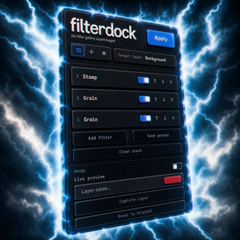
ChromeLab and Filter Dock — molten chrome type with the full filter arsenal.
The looks
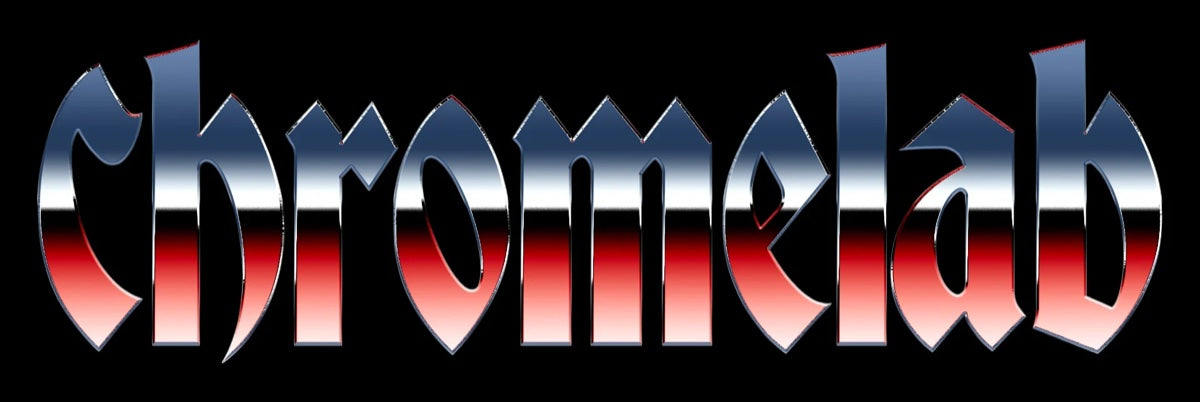
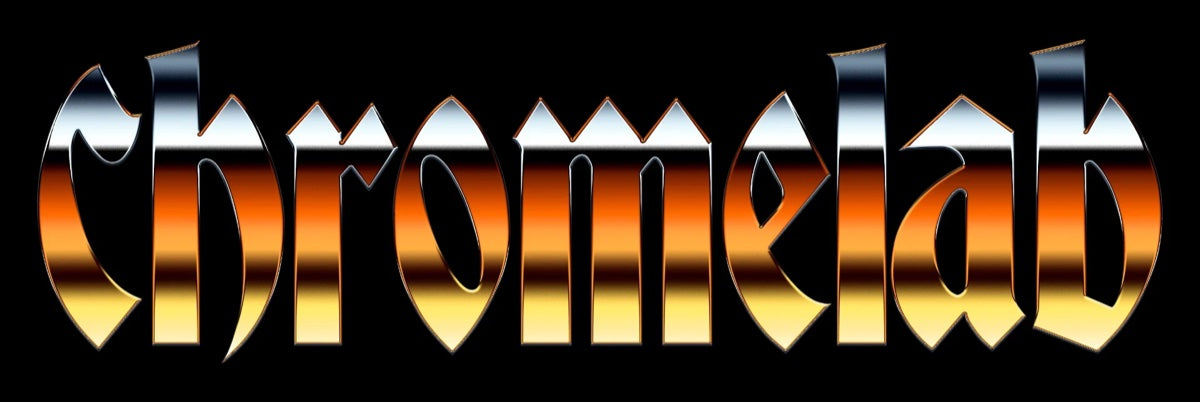
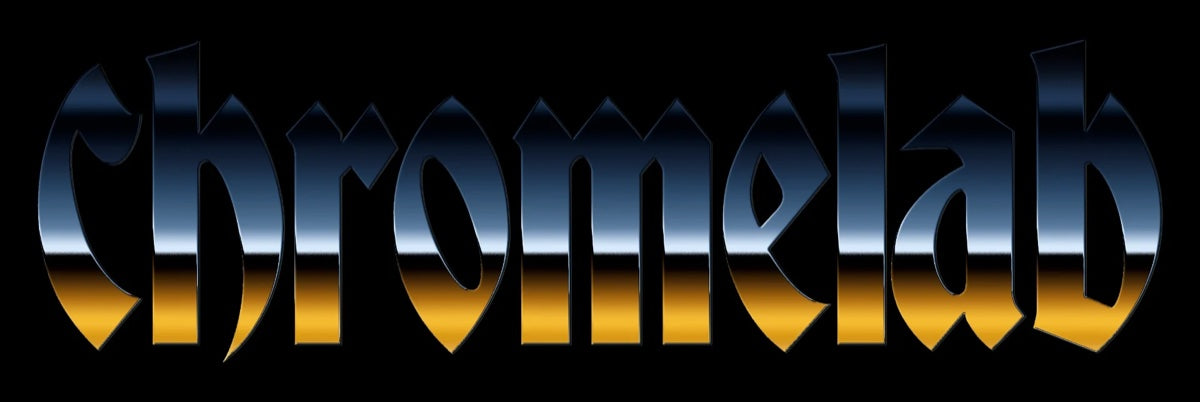
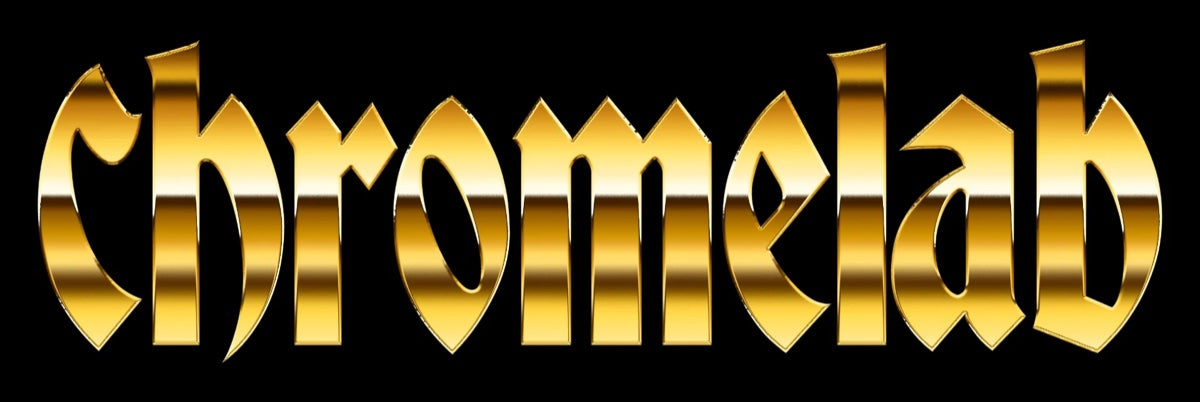
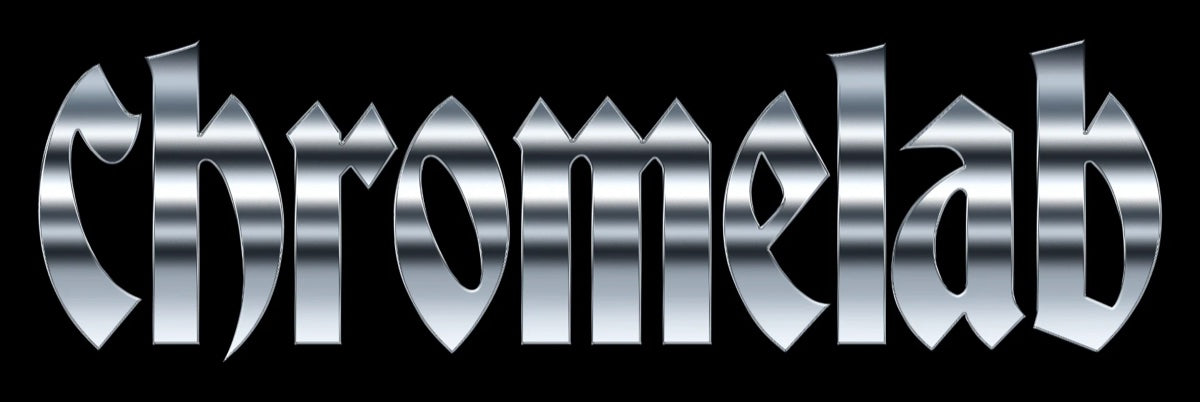
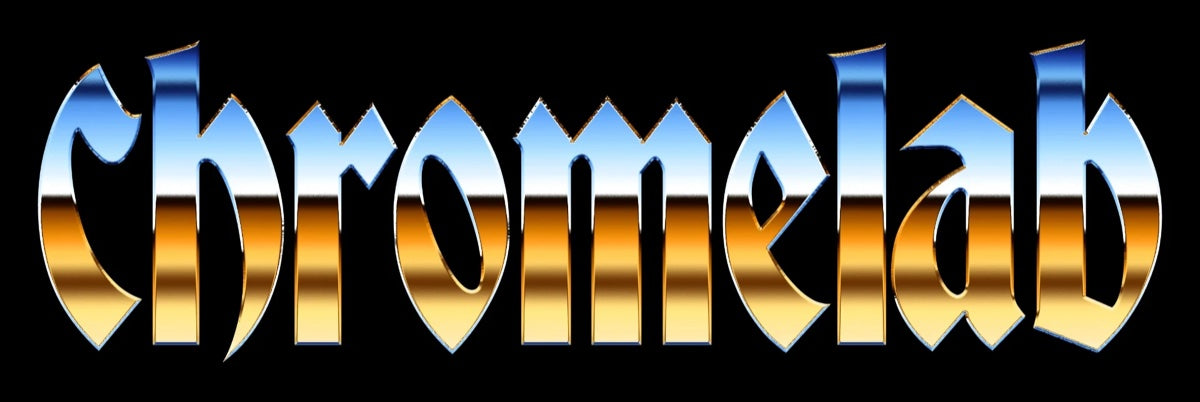
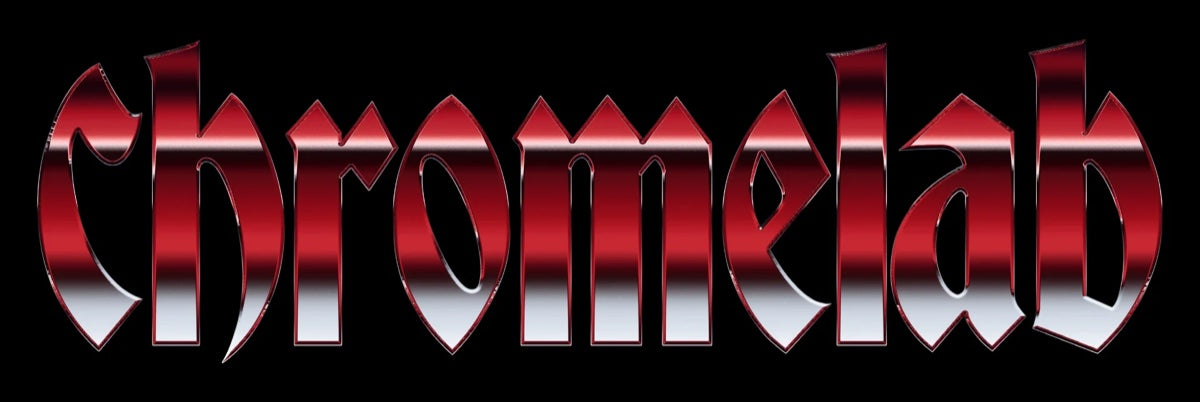
Explore the ChromeLab looks
Start with 50 built-in looks, customize every detail, and discover even more looks as they’re added.
Select a look below
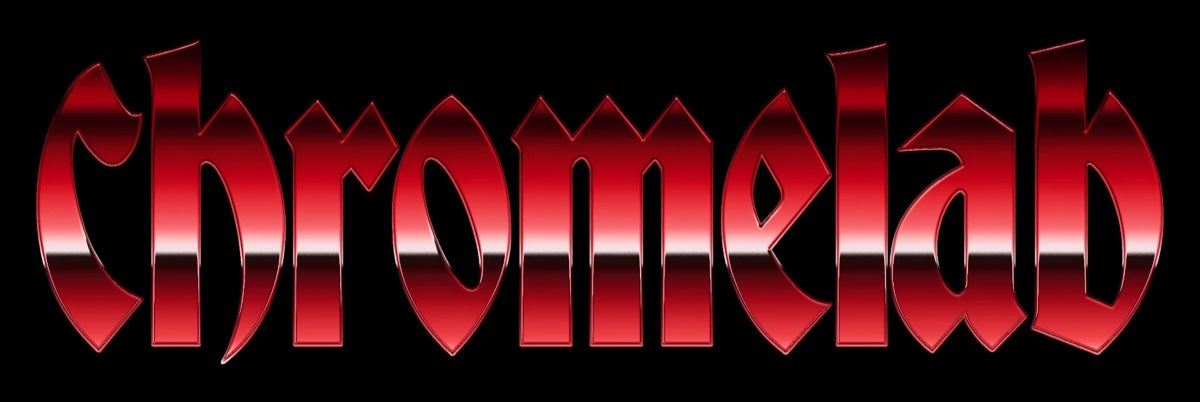
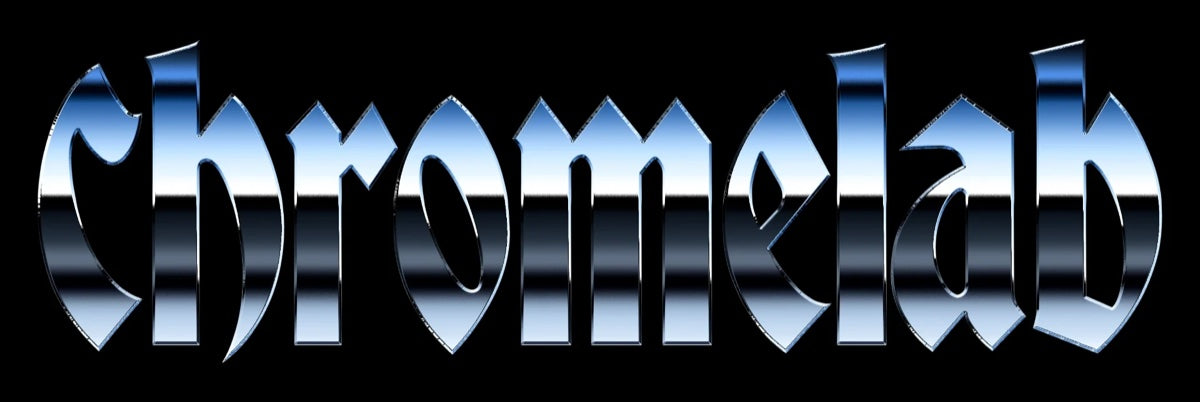
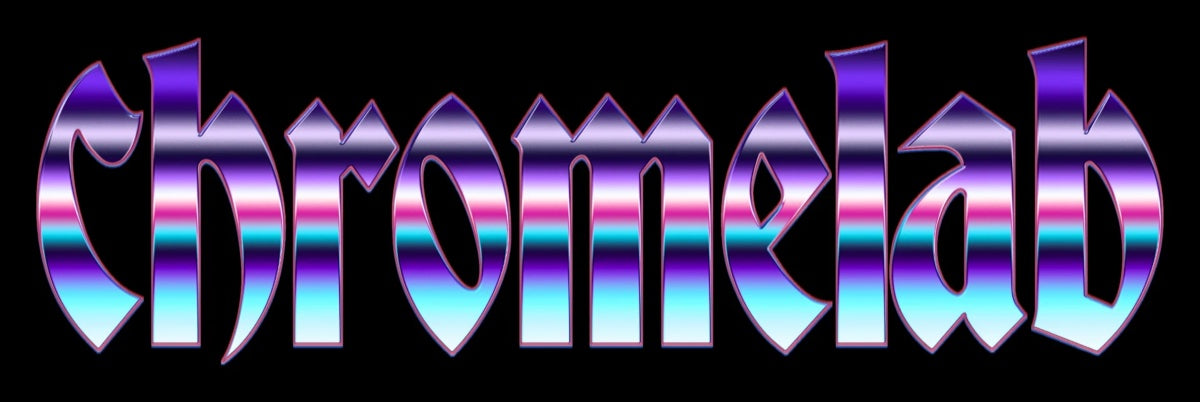
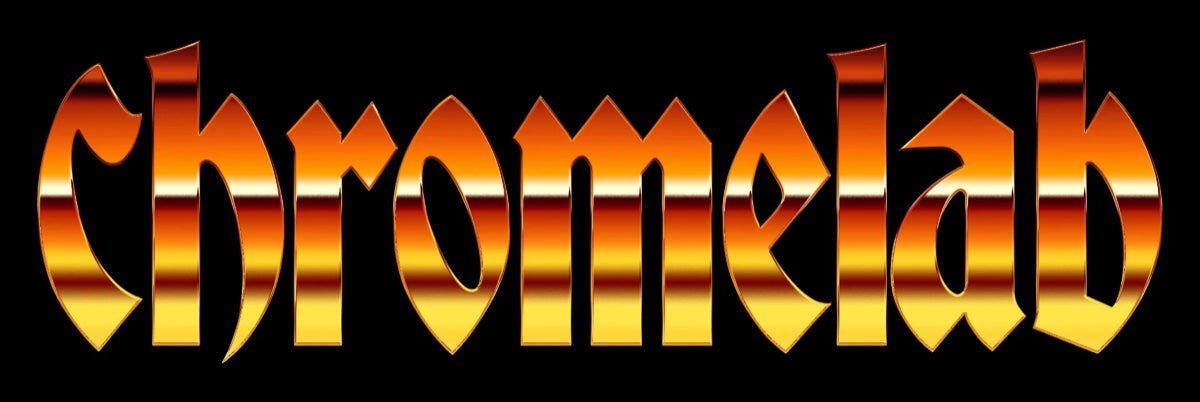

Inside the panel
Shape every part of the finish
Start with a built-in look, then open only the controls you need to tune the metal, texture, distortion, and lighting.
Metal surfaceBevel · Horizon
Shape the reflective edge, from a smooth rounded bevel to a sharper chiseled face, then position the horizon bands.
OutlineStroke
Add a clean defining stroke around the artwork to separate the chrome finish from its background.
Surface texturePattern
Layer a texture or pattern into the metal surface for finishes that feel worn, tactile, or custom-made.
Molten crustFissures
Break up the finish with organic fissures and crust-like detail for heated, distressed metal effects.
MeltBlur + Threshold
Round hard corners and soften letterforms with blur and threshold controls that create a convincing liquid silhouette.
Light & opticsSpecular
Control highlights and specular reflections to set the apparent lighting, shine, and depth of the metal.
NoiseAdd noise
Introduce subtle grain and variation to break up perfectly smooth gradients and give the finish more character.
GlowEmission
Build an emissive edge or inner glow for energized neon, molten, and high-contrast finishes.
Melt control
Drag to melt the type
Move from the original hard-edged lettering to the rounded liquid result created with Blur + Threshold.


Drag the handle or use the arrow keys
Why get it
Chromelab is a powerful chrome engine for Photoshop.
1 user, up to 2 devices · key delivered by email · email support included
Questions
Frequently asked questions
Which Photoshop versions are supported?
ChromeLab supports Photoshop 2023 (PS 2023) and newer.
What do I get when I buy?
You get an instant download link and your license key by email. Your license is perpetual for 1 user on up to 2 devices, includes email support, and covers lifetime updates.
How do I install it?
Every plugin arrives as a .ccx file. Double-click it and the Creative Cloud desktop app installs it into Photoshop. Full steps are on our Support page under Install.
Do your plugins work with Affinity?
Not at this time — our plugins are built exclusively for Adobe Photoshop.
Can I share my license key with someone else?
License keys are tied to individual purchases and are not transferable. Sharing or redistributing license keys is not permitted under our license agreement.
Still have questions? Contact support