Isaac B.
Verified
Oct 4, 2026
Its Awesome.
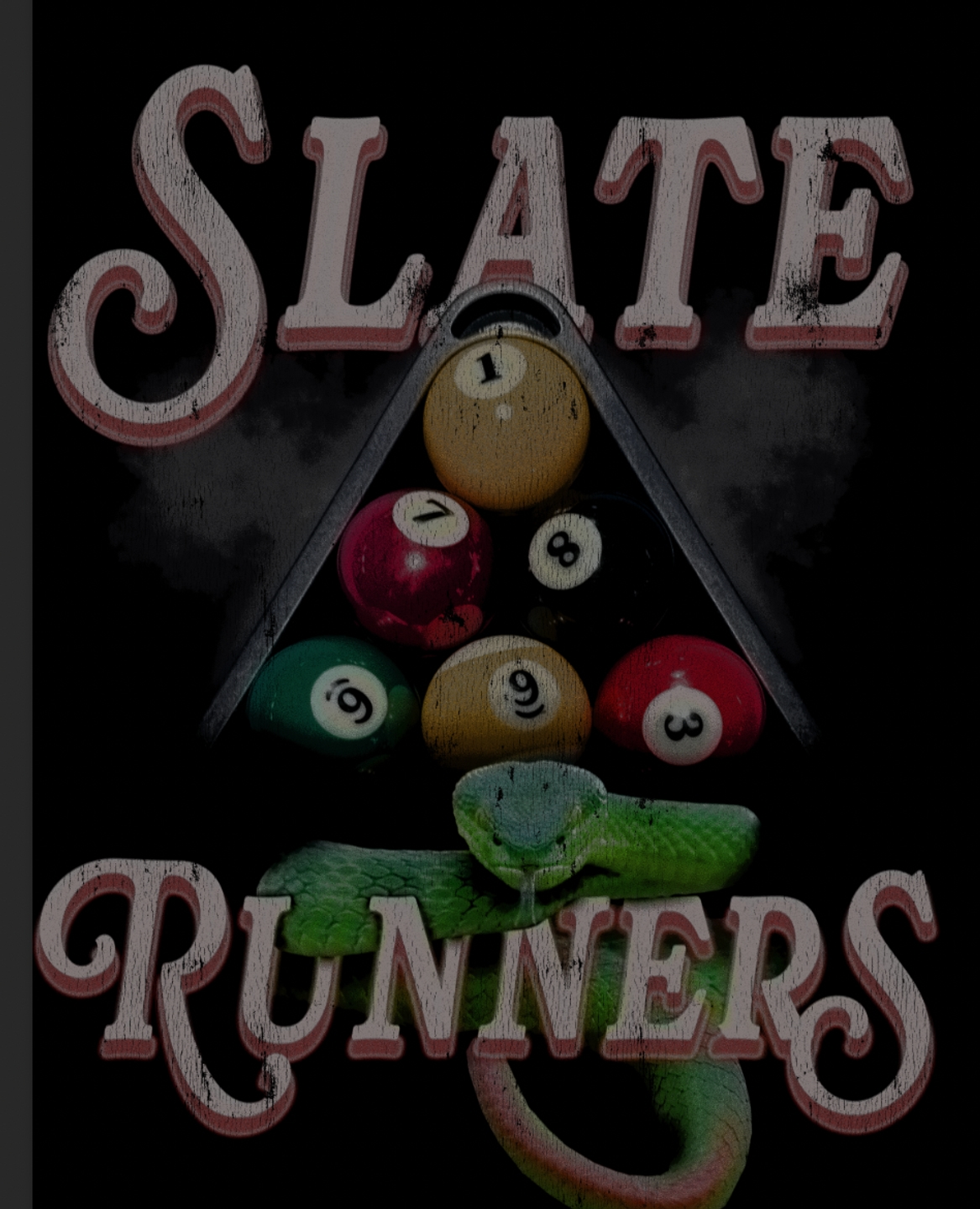

Convert any layer to bitmap looks in one click — non-destructive and fully adjustable.
Instant halftones & dithers
Convert any layer to bitmap looks in one click.
Non-destructive workflow
Your original layers stay untouched and editable.
Full control of the result
Dial in frequency, angle and pattern before you commit.
Overview
Real halftones. Real dithers. Nothing flattened.
Photoshop has always been able to make a proper halftone. Getting one has meant flattening your artwork, converting to Grayscale, converting to Bitmap, and throwing away everything you might want to change your mind about.
AutoBitmap puts that whole path in one panel. It runs on a copy of your artwork and hands the result back as a layer mask — so the screen stays live, every setting stays editable, and your original pixels are never touched.
Drag the ruling. Change the angle. Swap the dot shape. The artwork follows as you work, and the entire session costs you one undo.
What you get
Halftone Screen, Diffusion Dither, Pattern Dither and 50% Threshold — driven through Photoshop's own Bitmap conversion, not an imitation filter.
Six dot shapes: round, diamond, ellipse, line, square and cross. Set your ruling in LPI and your angle in degrees, and see the real grid your settings produce before you commit to them.
Indexed Color from 2 to 256 colors, with Photoshop's Local and Master palettes, Uniform, Web and the classic system tables. Dither it or keep it hard-edged.
One-click color separation: every ink on its own named layer, guaranteed never to overlap, so a four-color job goes to the press without double ink.
Nine ready-made styles — Newsprint, Photocopy, Screen Door, Art Print, Photo Grain, Flat Color, Poster Four, Sixteen Colors, Handheld 8-Bit — and five themed palettes: Cyberpunk, Dracula, Slime, Handheld Green and Atomic Orange.
Built to be undone
The default output is a mask, so your color pixels are never written to. Want pixels instead? Deliver as a black-and-white layer or as ink alone on transparency — both land the exact canvas size with your artwork's own transparency, so feathered edges stay feathered and everything registers.
Made for print
Screen at 72, 300 or any PPI you type, and AutoBitmap scales the result back up by whole pixel blocks — never interpolated. A chunky 72 PPI dither stays razor-edged at full resolution instead of going soft.
Your work stays yours
Every effect is computed on your machine, inside Photoshop. The only thing AutoBitmap ever sends is your license key when you activate. Your images never leave your computer.
Build: 1.0.0
Bundle & save
AutoThresh Pro and AutoBitmap — the essential print-ready toolkit for Photoshop.
1 user, up to 2 devices · key delivered by email · email support included
Reviews
Its Awesome.
I really love your tool man!
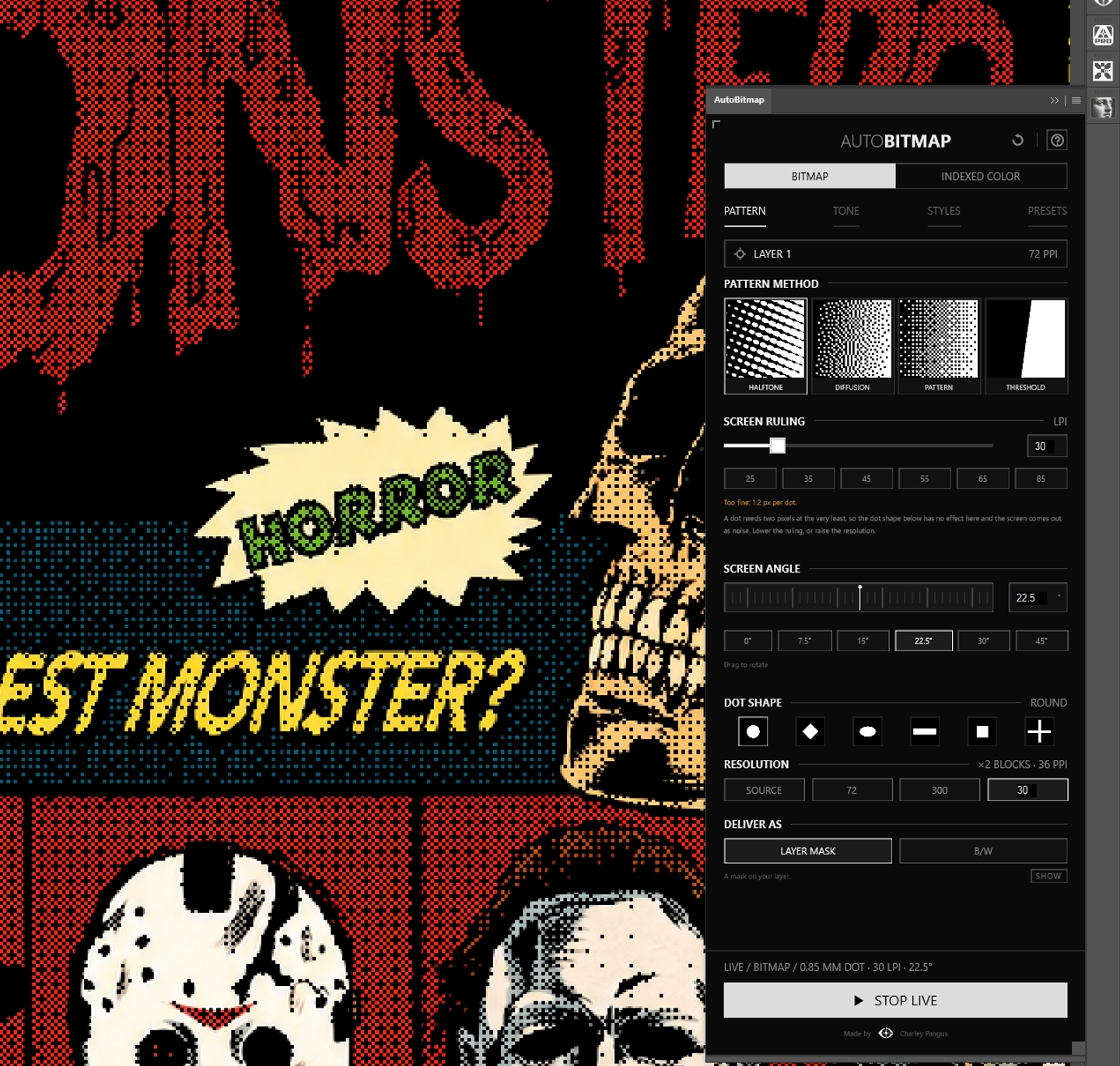
I do like what I purchased and I know it will do amazing things for what I want for halftone. However, I have to be honest, i'm having trouble figuring out. What does what exactly.
Questions
AutoBitmap works with Photoshop 2024 or newer.
You get an instant download link and your license key by email. Your license is perpetual for 1 user on up to 2 devices, includes email support, and covers lifetime updates.
Every plugin arrives as a .ccx file. Double-click it and the Creative Cloud desktop app installs it into Photoshop. Full steps are on our Support page under Install.
Not at this time — our plugins are built exclusively for Adobe Photoshop.
License keys are tied to individual purchases and are not transferable. Sharing or redistributing license keys is not permitted under our license agreement.
Still have questions? Contact support