AutoThresh Web has been a real time saver when it comes to prepping my projects for DTF. I’ve been able to do it from my phone on multiple occasions. It’s still in Beta so I’m excited to see what comes in the next iterations.
AutoThresh Web
Browser-based color separation. One-time payment, yours forever — no subscription.
- Instant digital download
- Perpetual license — 1 user, up to 2 devices
- License key delivered by email
- Lifetime updates
- Email support included
- Version
- 1.0.4
- Works with
- Any Device
- License
- Perpetual
Overview
About AutoThresh Web
AutoThresh™ Web: Professional Color Separation App
No installs. No plugins. No Photoshop required. More Creating.
AutoThresh™ Web brings professional-grade color separation to any device, anywhere, powered by the proven AutoThresh® Engine. Upload your artwork and create print-ready separations in seconds, whether you're producing spot color prints, preparing photorealistic DTG artwork, or converting logos into clean vector paths.
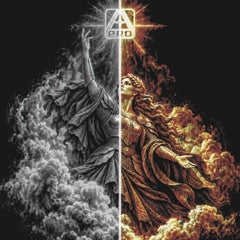
With powerful Threshold, Dither, Vector, and CMYK separation modes, smart background removal, live fabric preview, and multi-format export (PNG, PSD, PDF, TIFF, and SVG), AutoThresh™ Web gives you everything you need to create production-ready separations from any browser.
Save your favorite presets, generate harmonious color palettes with one click, preview your design on fabric in real time, and export press-ready files with registration marks included—every time.
Part of the Growing AutoThresh™ Lineup
AutoThresh™ Web is the next step in the AutoThresh ecosystem. Built on the same trusted AutoThresh® Engine, it expands the lineup beyond Photoshop, giving you the freedom to create professional color separations directly in your browser from any device.
Version: 1.0.4
Bundle & save
AutoThresh Full Stack
AutoThresh Pro for Photoshop plus AutoThresh Web lifetime access.
What's inside
One tool. Three jobs. Way less money.
Whether you're styling artwork or prepping for the press, AutoThresh Web handles it — without a Photoshop subscription or a stack of plugins.
Style Your Designs
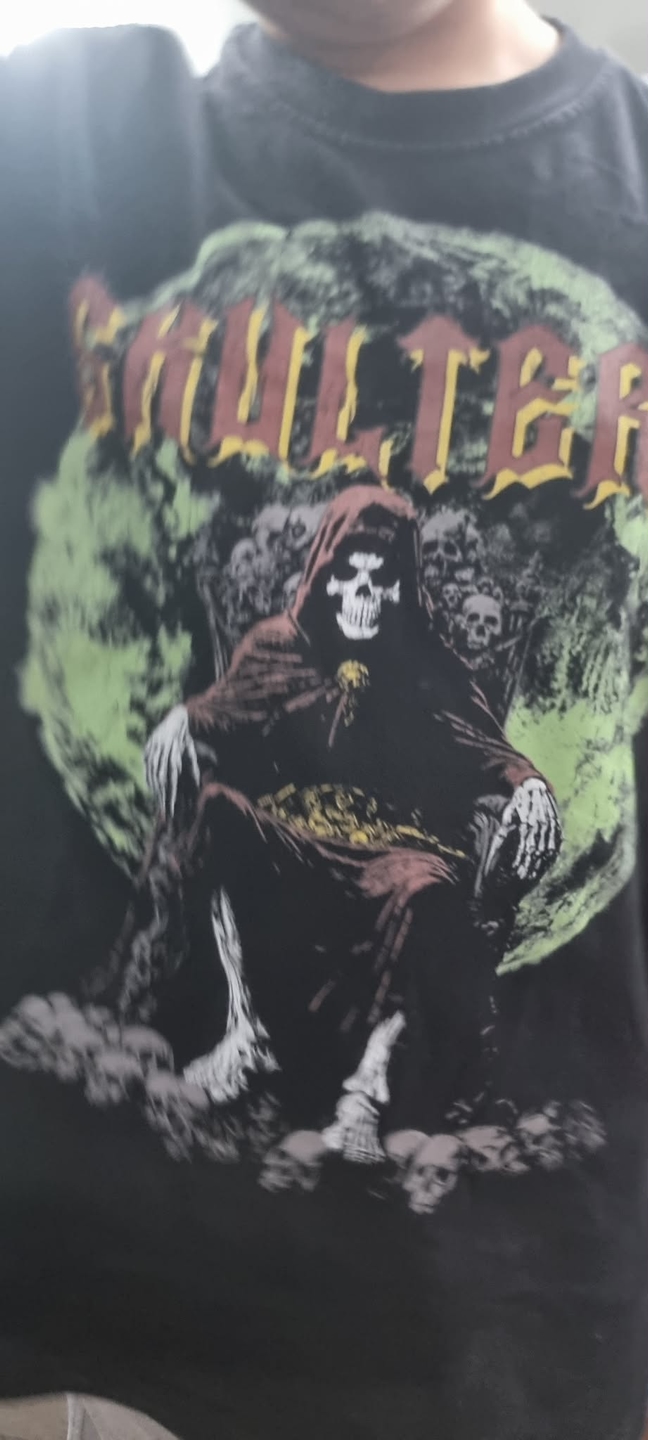
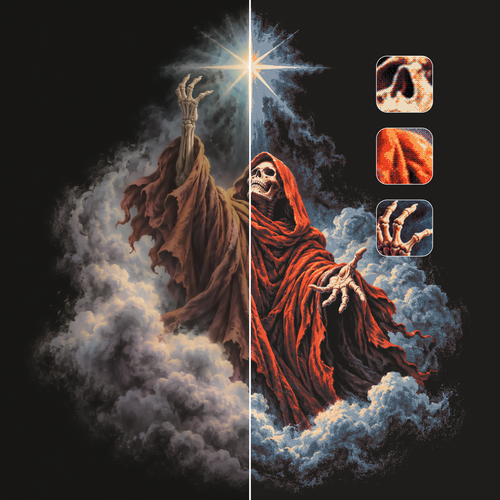
Add gritty threshold, halftone, dithered, and color-separated looks to any artwork in seconds.
Prep for Screen Print, DTG & DTF
Turn client files into press-ready separations faster and cheaper than any legacy plugin.
Distress with the Texture Engine
Break clean vectors with built-in grit, grain, and worn-in textures — no extra downloads needed.
Perfect for designers adding style to their work — and serious print shops turning client artwork around faster, for a fraction of the cost.
AutoThresh Web vs the others
Same job. Better price. No baggage.
Watch it in action
AutoThresh Web tutorial
1 user, up to 2 devices · key delivered by email · email support included
Reviews
What customers say
I’ve been using Charley Pangus’ Style Forge, Auto Thresh, and Auto Thresh Pro, and they’ve already helped improve my workflow. But Auto Thresh™ Web takes it even further it noticeably speeds up my work and makes the whole process more convenient and efficient. A great addition to an already powerful set of tools.
Amazing tool!! I have a clothing brand and also free lance graphic design work on the side this tool has helped me immensely everything is so easy to use and streamlined very customizable 10/10 product best money I’ve ever spent
Questions
Frequently asked questions
Is AutoThresh Web a subscription?
No — AutoThresh Web is a one-time purchase. Pay once and it's yours forever, including all future updates. If you had a legacy subscription, it stays active until the end of its paid term and won't renew.
Do I need to install anything?
No. It runs in your browser on any computer you sign into.
What do I get when I buy?
You get an instant download link and your license key by email. Your license is perpetual for 1 user on up to 2 devices, includes email support, and covers lifetime updates.
How do I install it?
Every plugin arrives as a .ccx file. Double-click it and the Creative Cloud desktop app installs it into Photoshop. Full steps are on our Support page under Install.
Do your plugins work with Affinity?
Not at this time — our plugins are built exclusively for Adobe Photoshop.
Can I share my license key with someone else?
License keys are tied to individual purchases and are not transferable. Sharing or redistributing license keys is not permitted under our license agreement.
Still have questions? Contact support